
Have you ever opened your Visual Voicemail app and wondered why it’s asking for “Nearby devices” permission? You’re not alone. At Malloc, we help users understand exactly why apps request certain permissions — and what it means for your privacy.
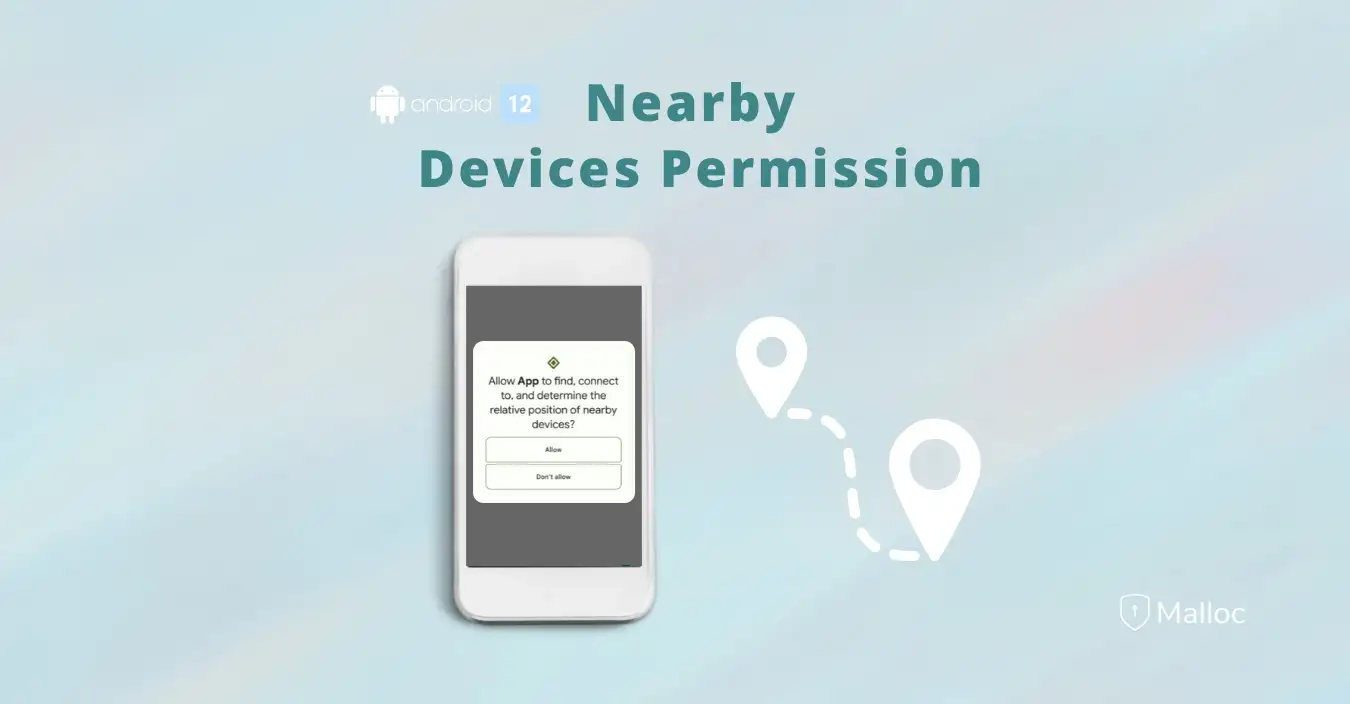
What Is the “Nearby Devices” Permission?
Android introduced this permission in version 12 to replace older, broader Bluetooth and Wi-Fi permissions. It allows apps to discover or connect to nearby devices via Bluetooth, Wi-Fi, or other wireless protocols — without needing access to your location.
Why Would Visual Voicemail Need It?
Some carrier or manufacturer voicemail apps legitimately request “Nearby devices” for a few technical reasons:
- Bluetooth playback: Voicemail audio can automatically play through Bluetooth headsets, earbuds, or in-car systems.
- Companion integration: Some carrier frameworks use shared permissions for Bluetooth connectivity or syncing with the phone dialer.
In these cases, the permission helps route voicemail audio correctly — for example, switching from speaker to your car’s Bluetooth system.
The Hidden Issue: Over-Permissioning
However, many voicemail or phone apps request “Nearby devices” even when they don’t truly need it. This is called over-permissioning — when developers request a bundle of permissions “just in case,” or inherit them through carrier system modules.
This can expose unnecessary data pathways and potentially increase privacy risk, especially when apps from different vendors interact with your core phone services.
How to Check or Revoke the Permission
You can easily see which apps have access to “Nearby devices” and revoke it:
- Open Settings → Privacy → Permission Manager → Nearby devices
- Find Visual Voicemail or any other app listed
- Switch to “Don’t allow”
In most cases, voicemail playback will continue to work normally — and you’ll have reduced an unnecessary privacy risk.
How Malloc Helps You Stay Aware
Malloc Privacy & Security VPN includes a Permission Manager that highlights apps using permissions like “Nearby devices.” It helps you see which apps are connecting to your surroundings and lets you decide whether to restrict them.
Stay private. Stay protected. Stay Malloc.
Download Malloc to monitor app permissions, detect spyware, and stop hidden data sharing on your Android device.
Relevant tags:
Published on Medium